Made for money that crosses borders
Salary in Dubai, savings back home, a card in dollars: keep each account in its own currency and watch it all add up.
Wealthit keeps wallets in the money of 26 places: United Arab Emirates, Saudi Arabia, Qatar, Kuwait, Oman, Bahrain, Jordan, Egypt, India, Pakistan, Bangladesh, Nepal, Sri Lanka, Philippines, Malaysia, Singapore, China, Japan, Türkiye, South Africa, United Kingdom, Eurozone, Switzerland, United States, Canada, Australia.


Wealthit adds up every account 


In everyday life
Less adding up. More living


Recording
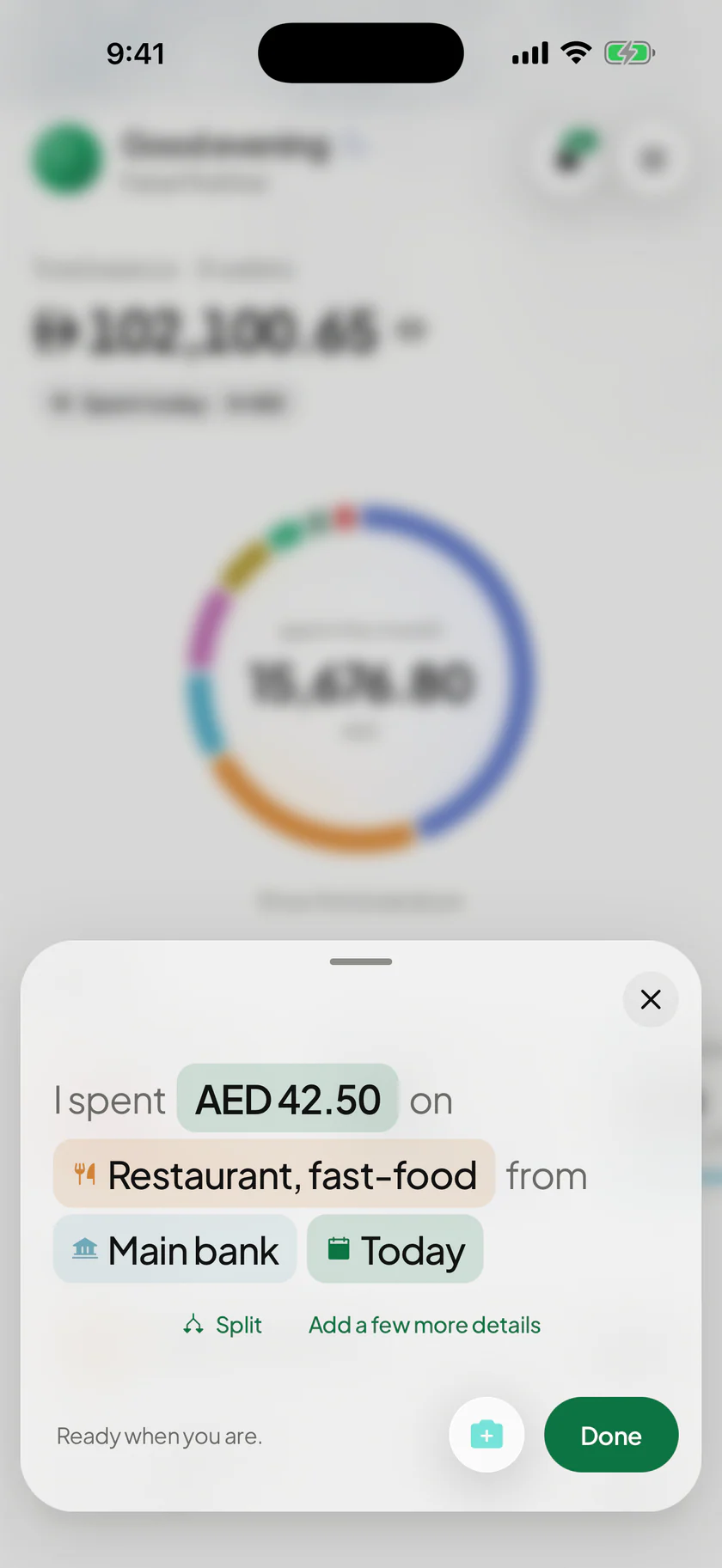
Write each payment the way you’d say it. Tap +, type the amount and pick what it was for. No forms, no spreadsheet energy.
Scan a receipt
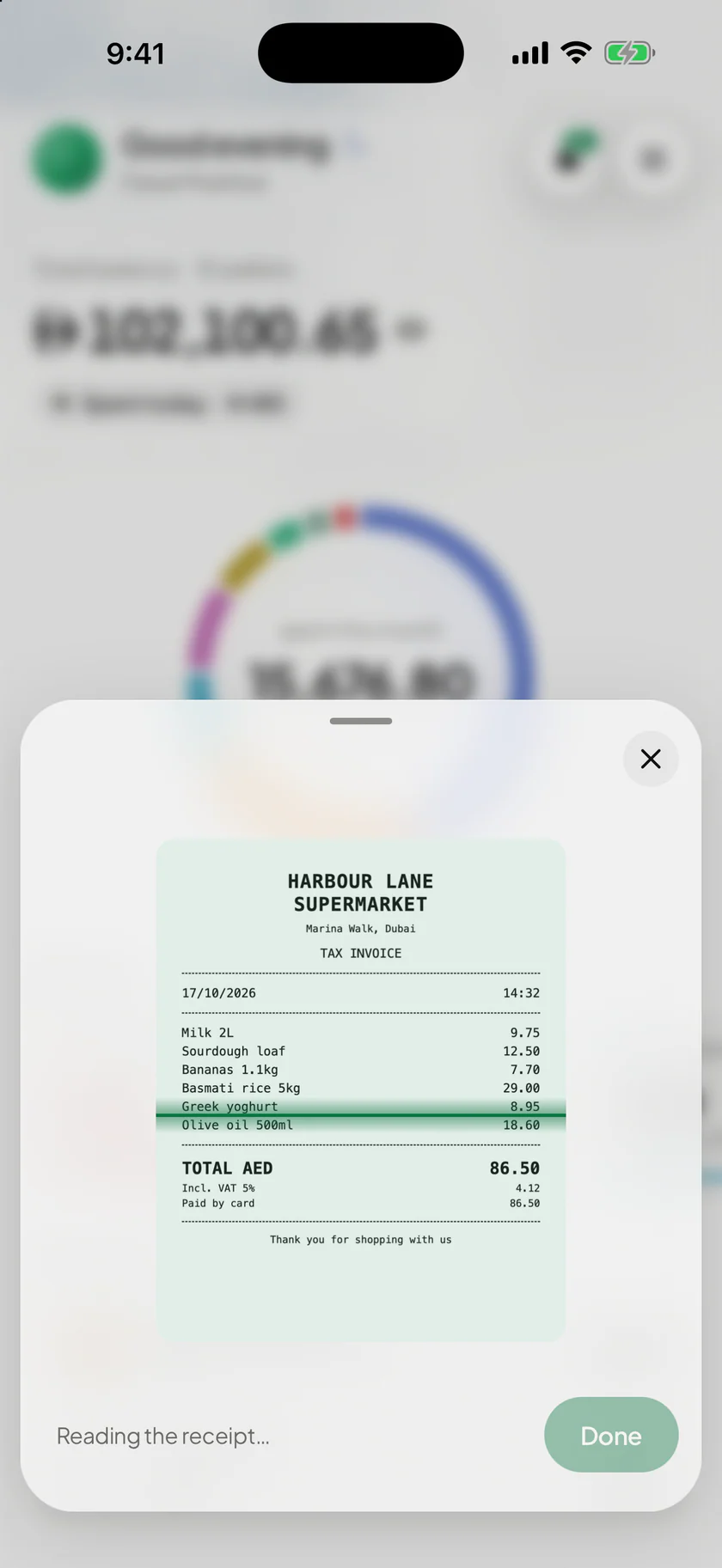
Point your camera at a receipt. It’s read on your phone and filled in, ready for you to check.
Tap to Record, on iPhone
You paid. It’s already written down
Pay with Apple Pay and Wealthit puts the payment on your Lock Screen, already filled in. Tap Add and it’s recorded. Tap Cancel and it isn’t.
- 1
Set it up once
Add Wealthit’s shortcut in the Shortcuts app and switch it on. The app walks you through it.
- 2
Pay as you always do
Apple Pay passes on the shop, the amount and the card. There is nothing to type.
- 3
Tap Add
The category comes from the shop and the wallet from the card. The first time you use a card, you choose its wallet.
Needs an iPhone with Apple Pay. Not available on Android.
How Tap to Record works

The whole picture
What you have, what’s due and what you’re saving for, on one screen and already added up. Your money, sorted.


Features
Everything your money needs, minus the spreadsheet energy


Three ways to record
Tap +, type the amount on Wealthit’s own number pad and pick what it was for. The sentence reads back what will be saved.
Inside the app
Every screen here is the real app
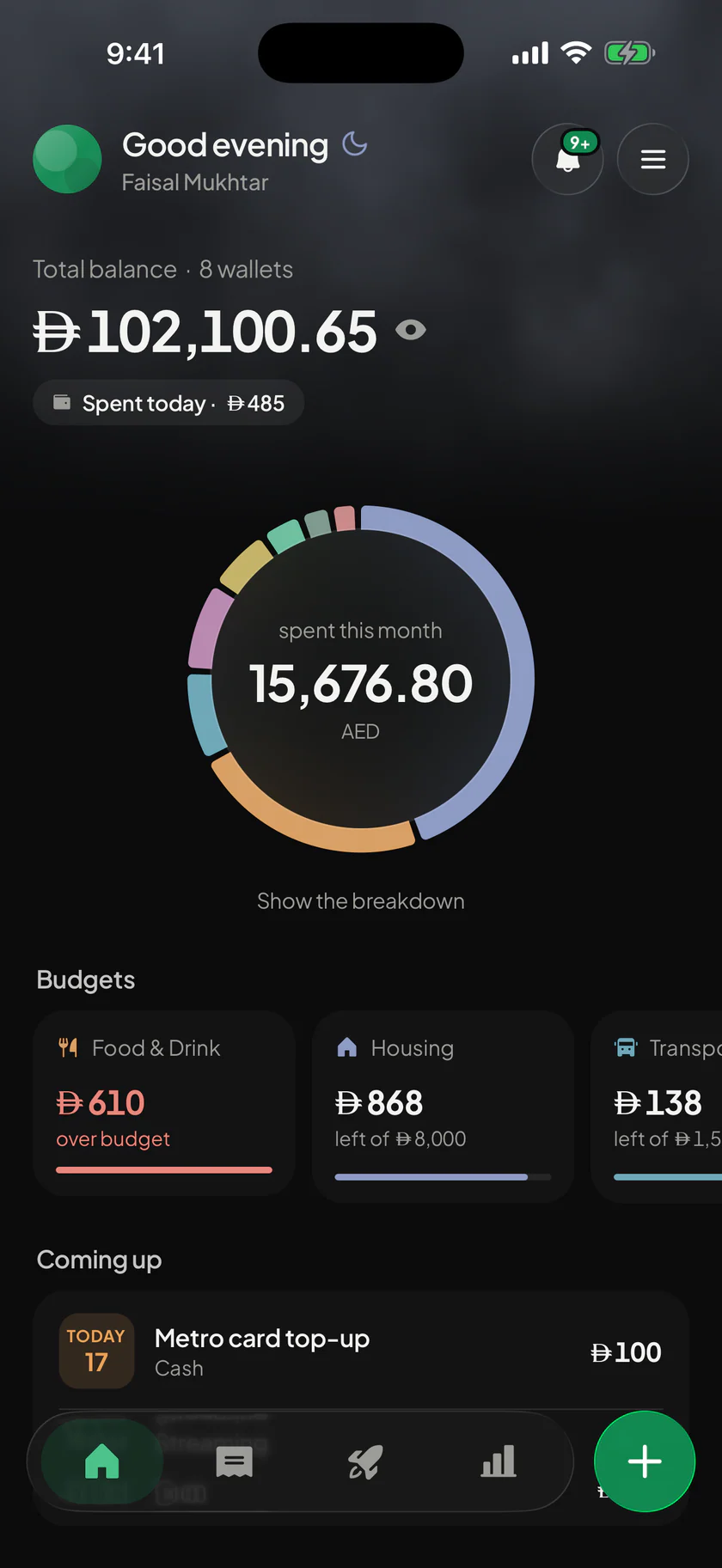
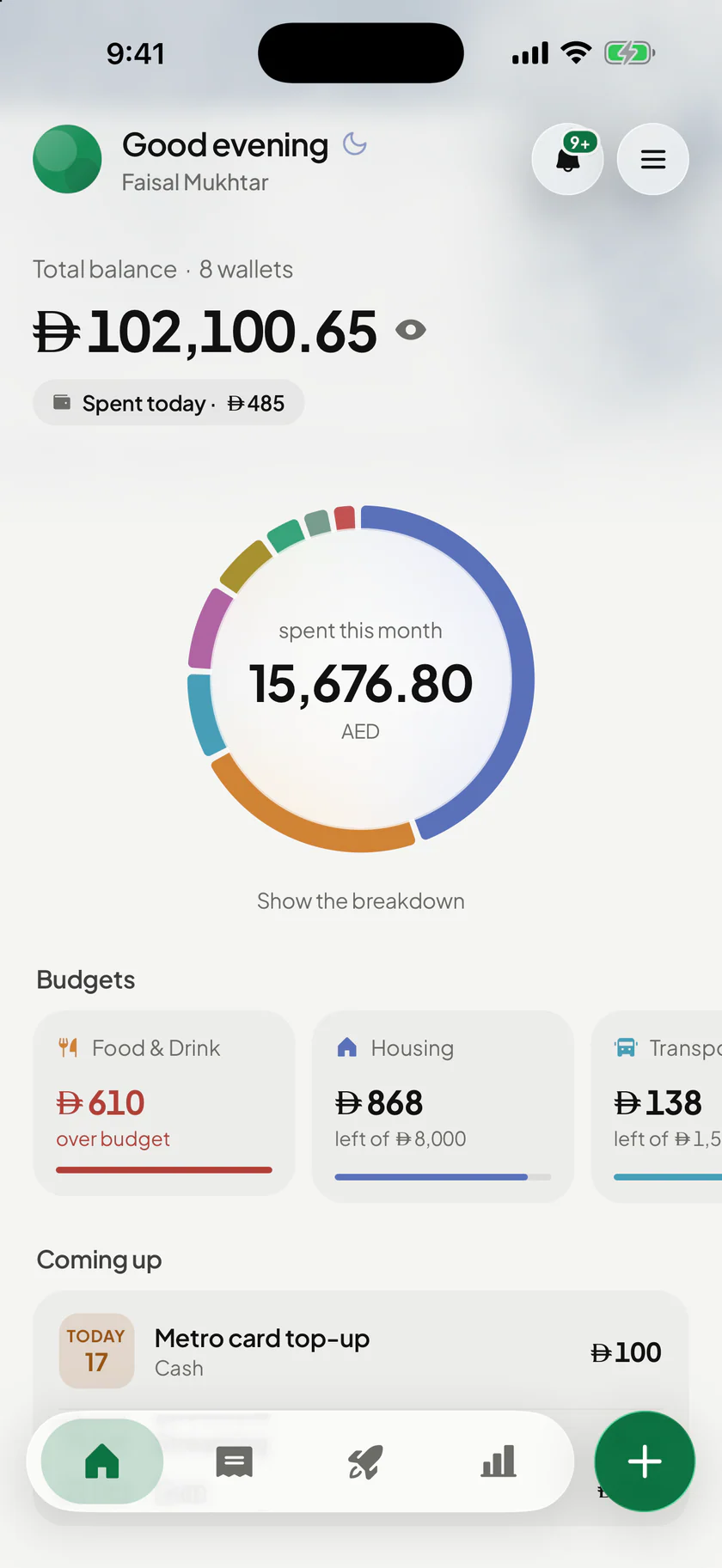
HomeWhere you stand 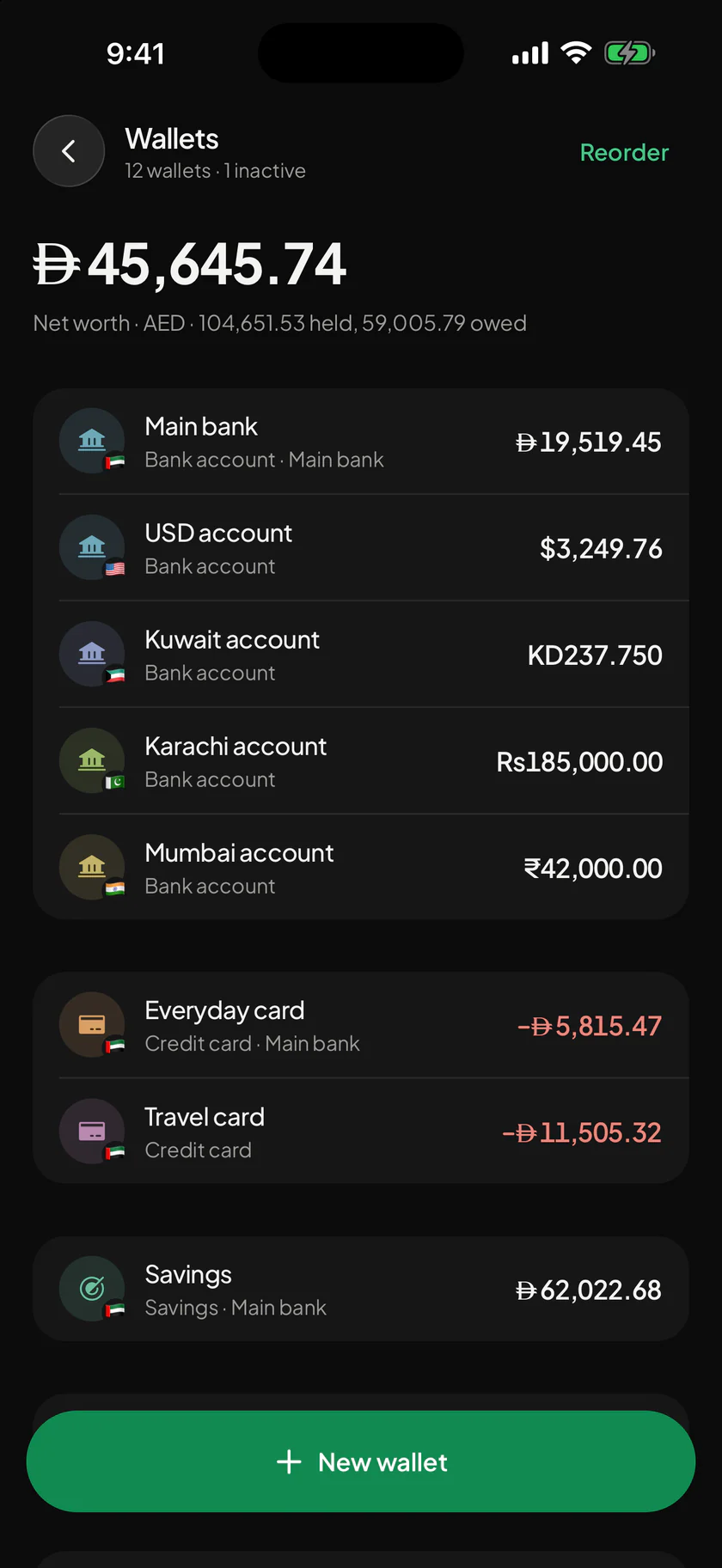
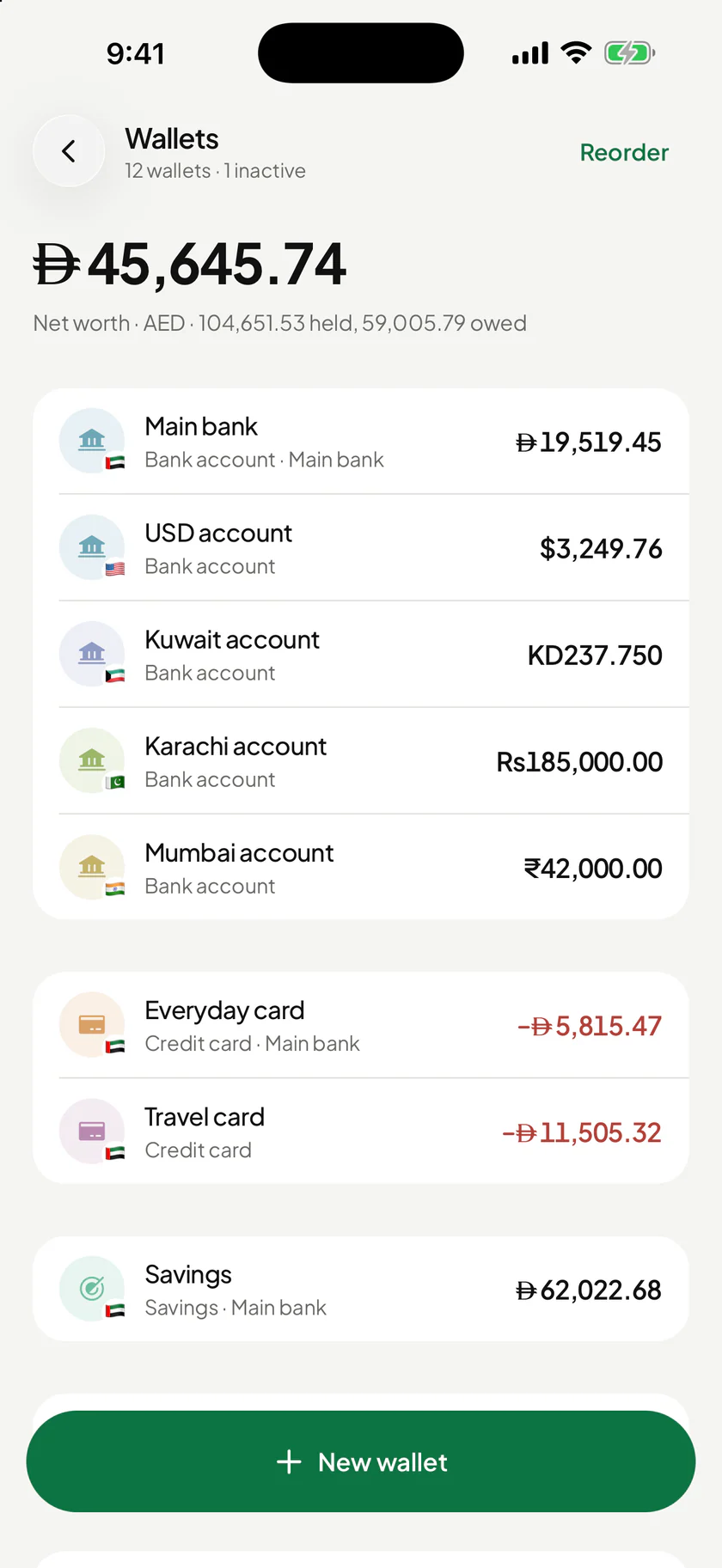
WalletsEvery account 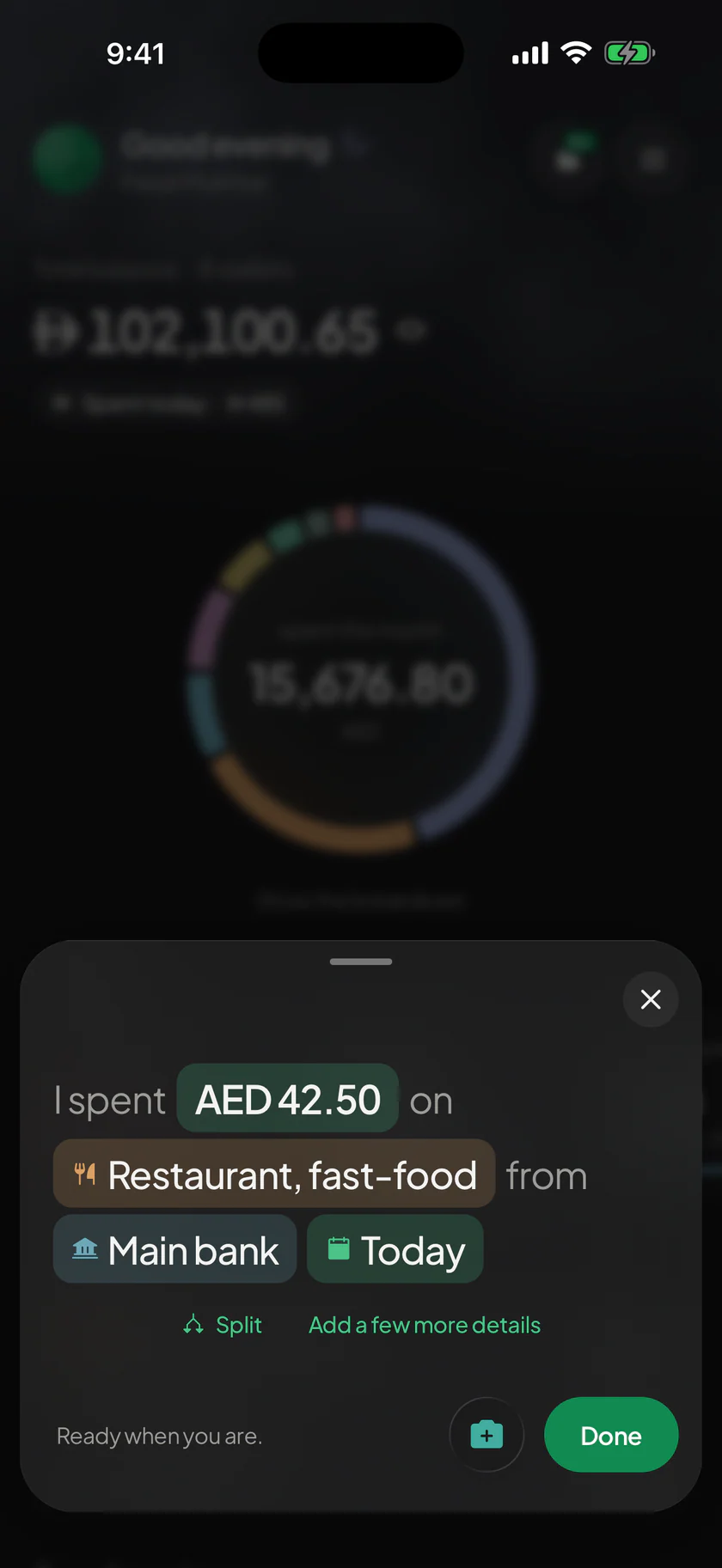
RecordingFinish the sentence 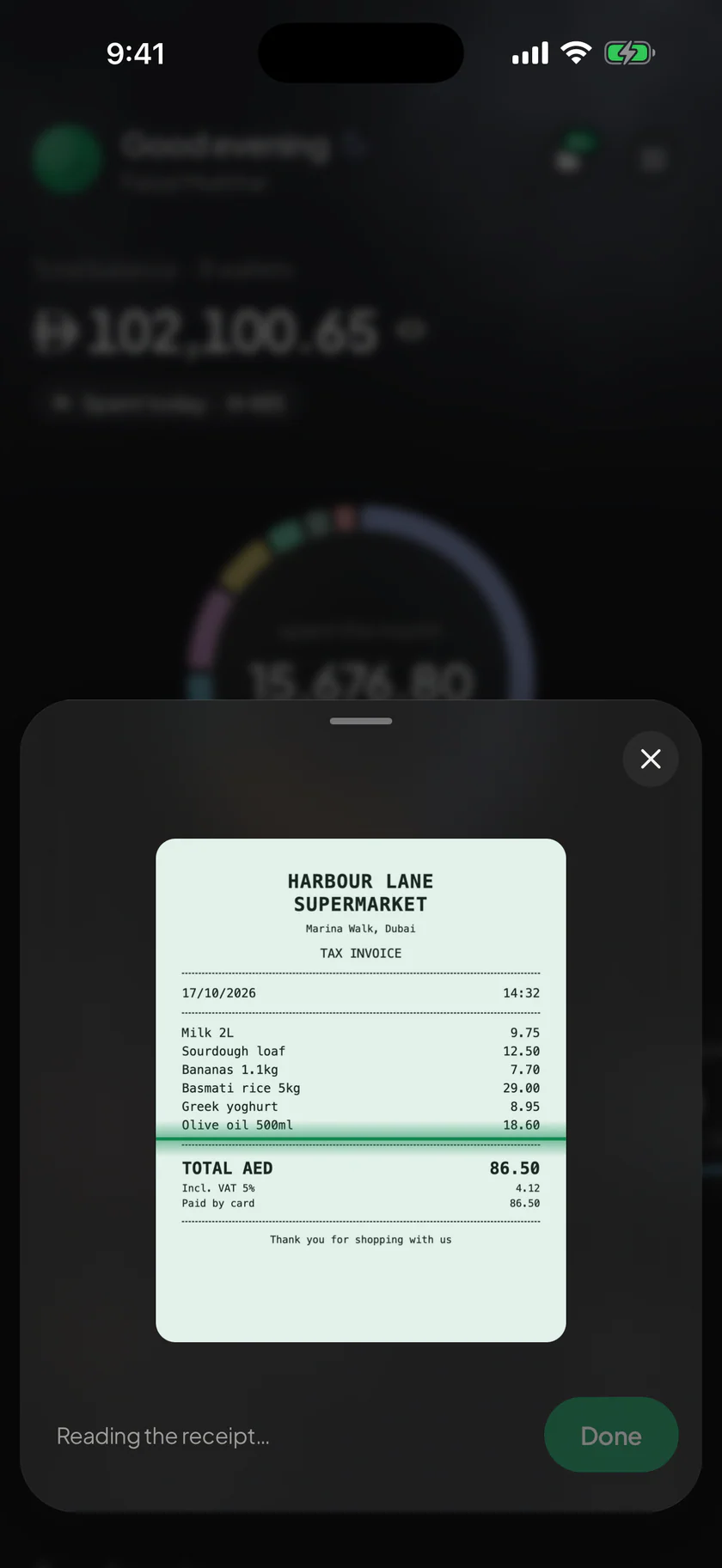
Scan a receiptRead on your phone 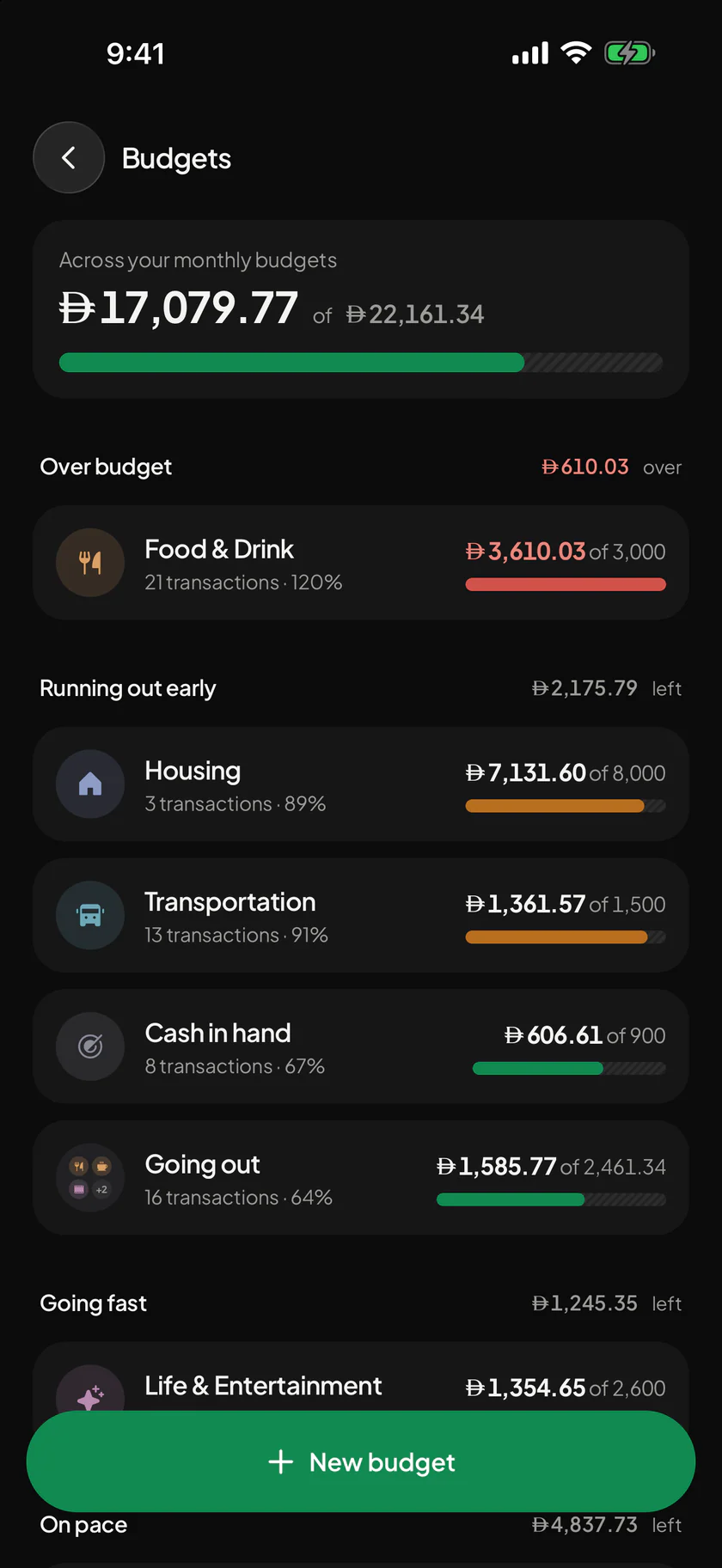
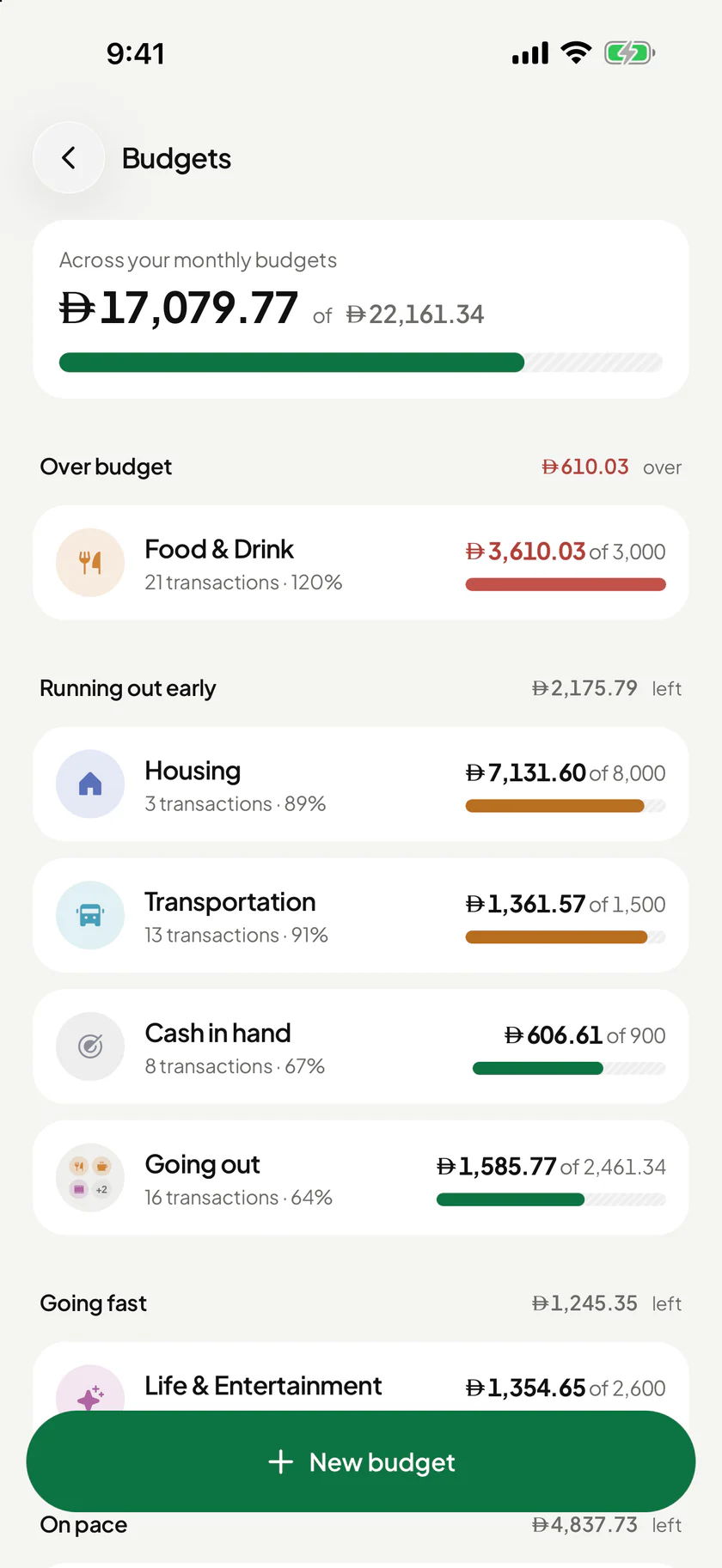
BudgetsBefore you overspend 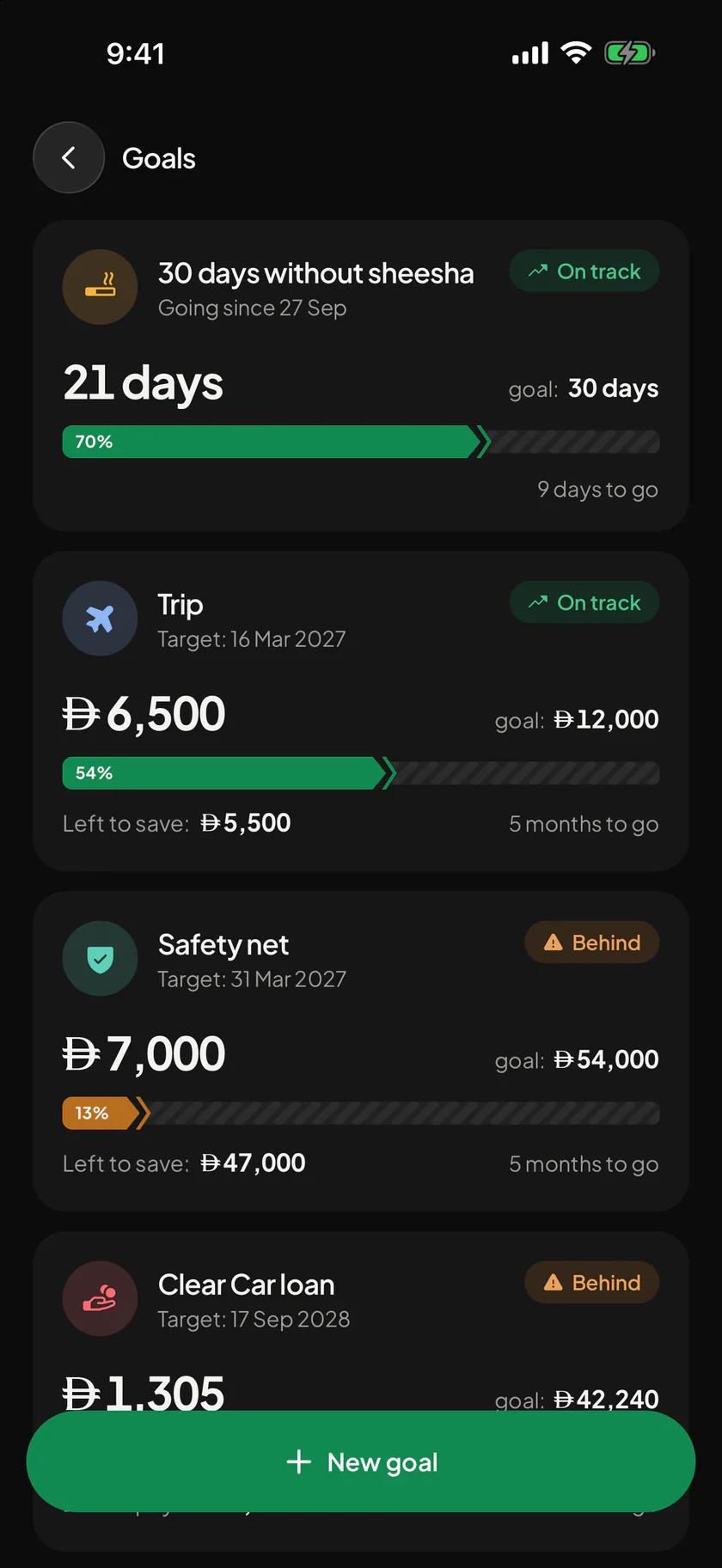
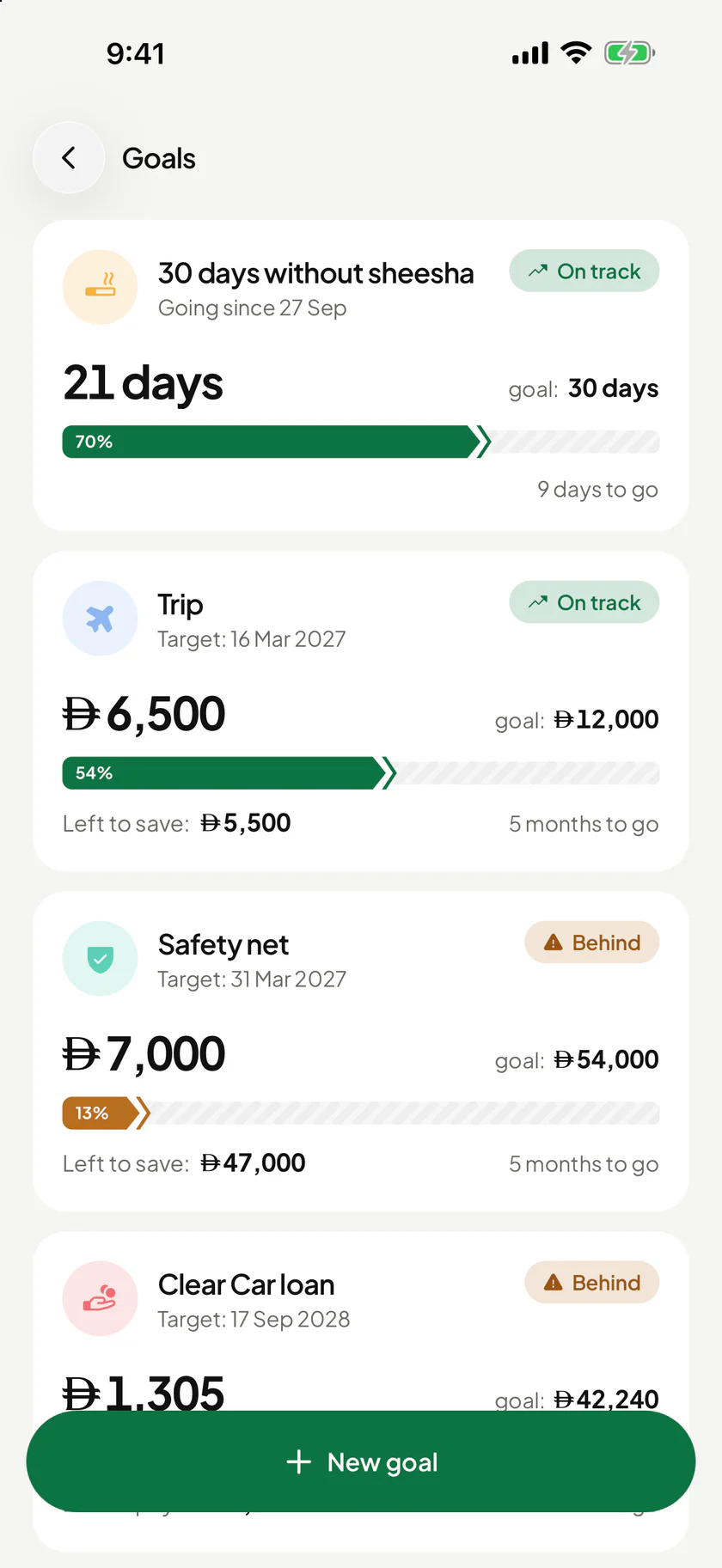
GoalsEvery step counts 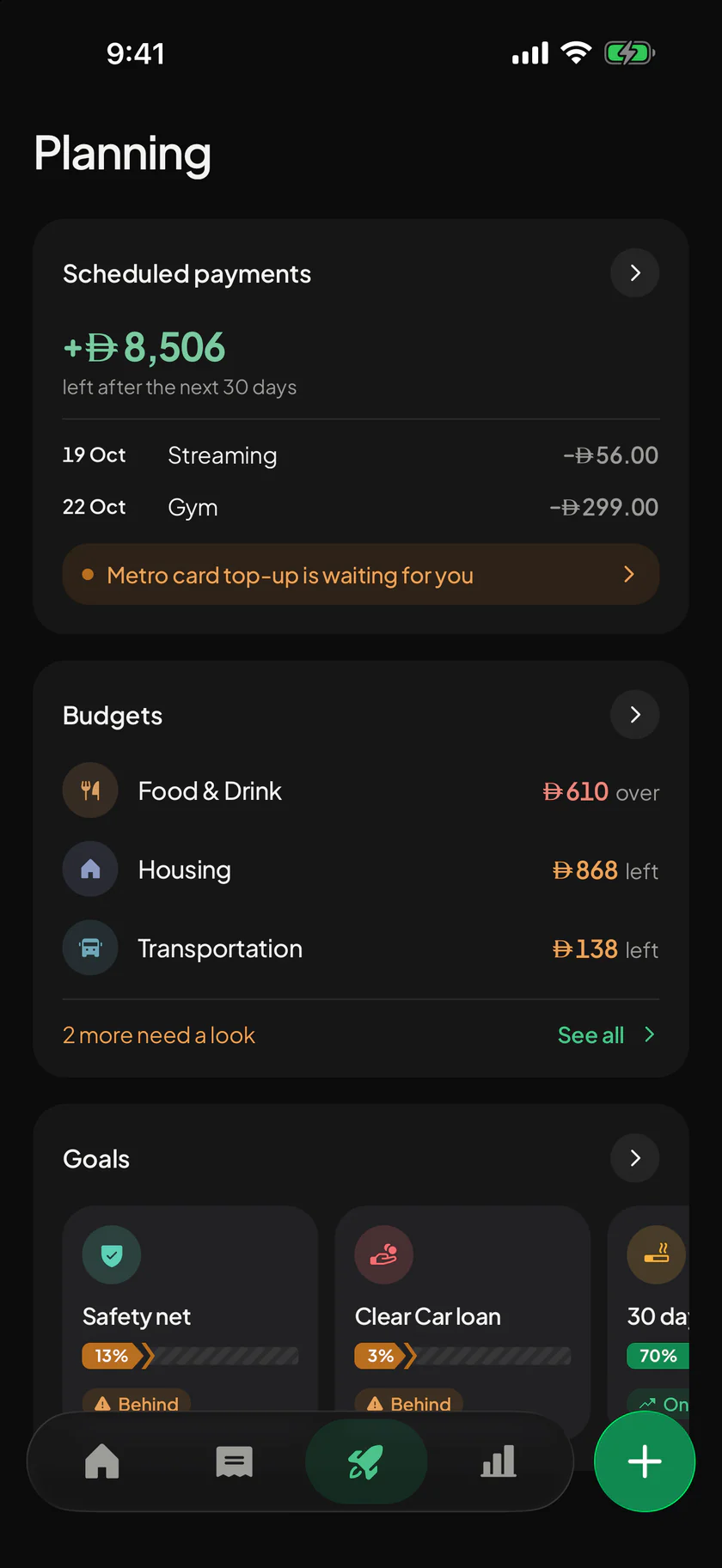
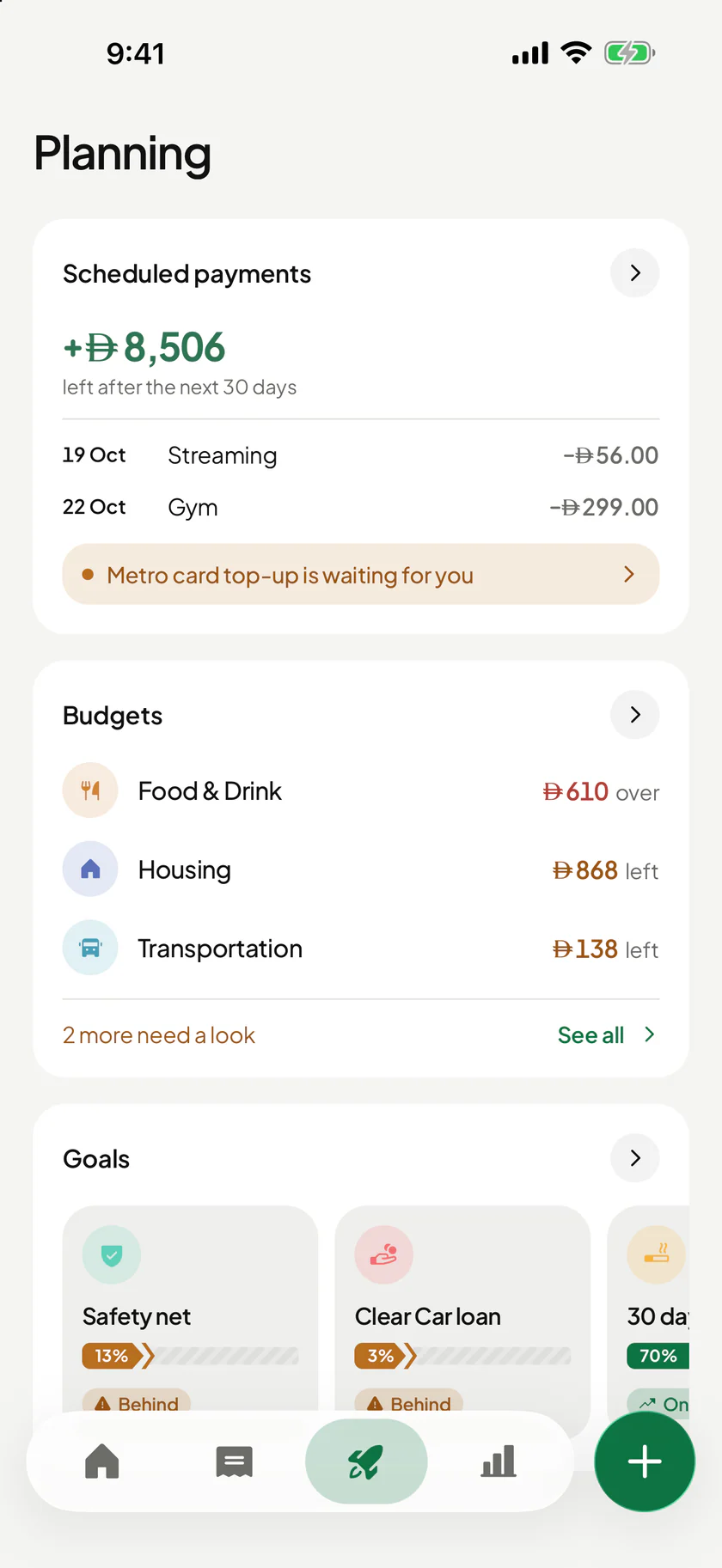
PlanningWhat is coming 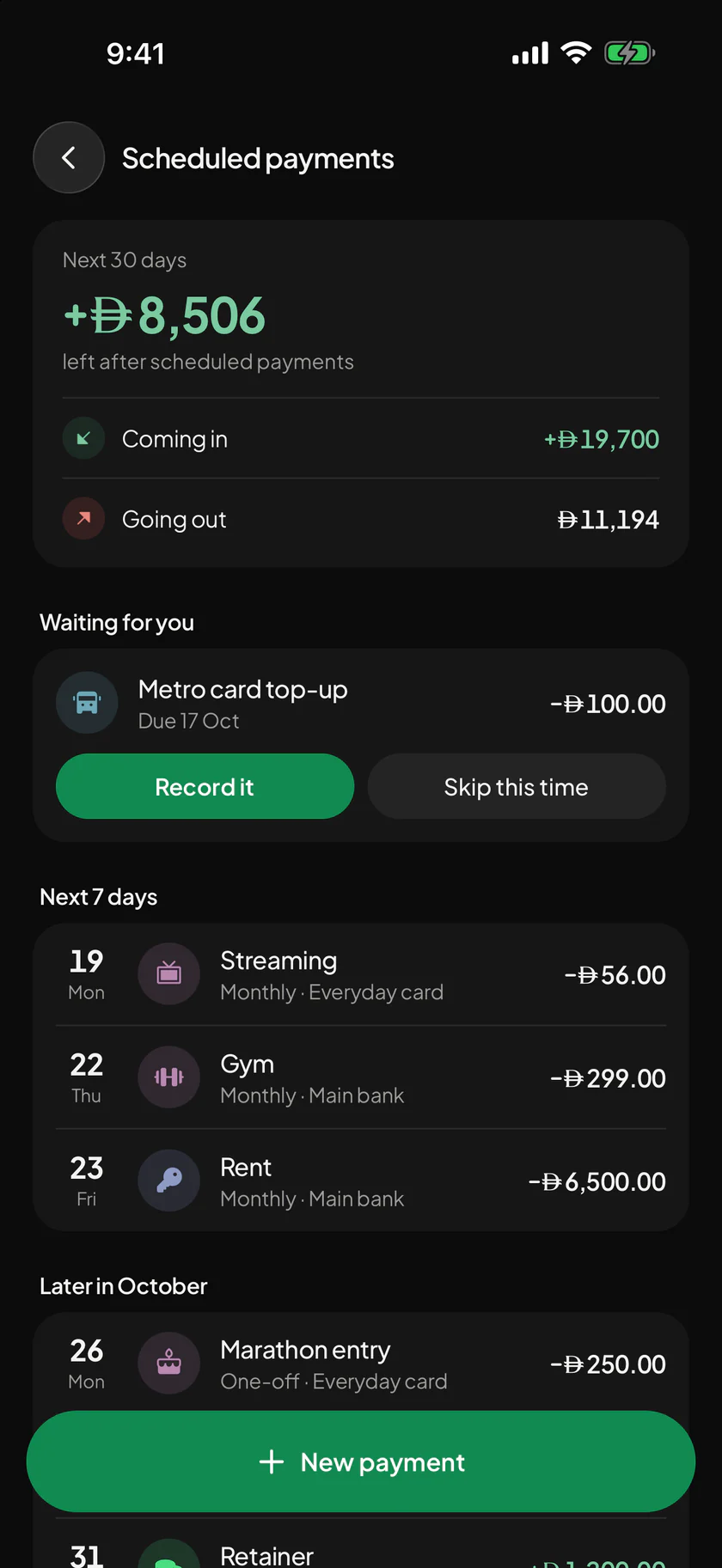
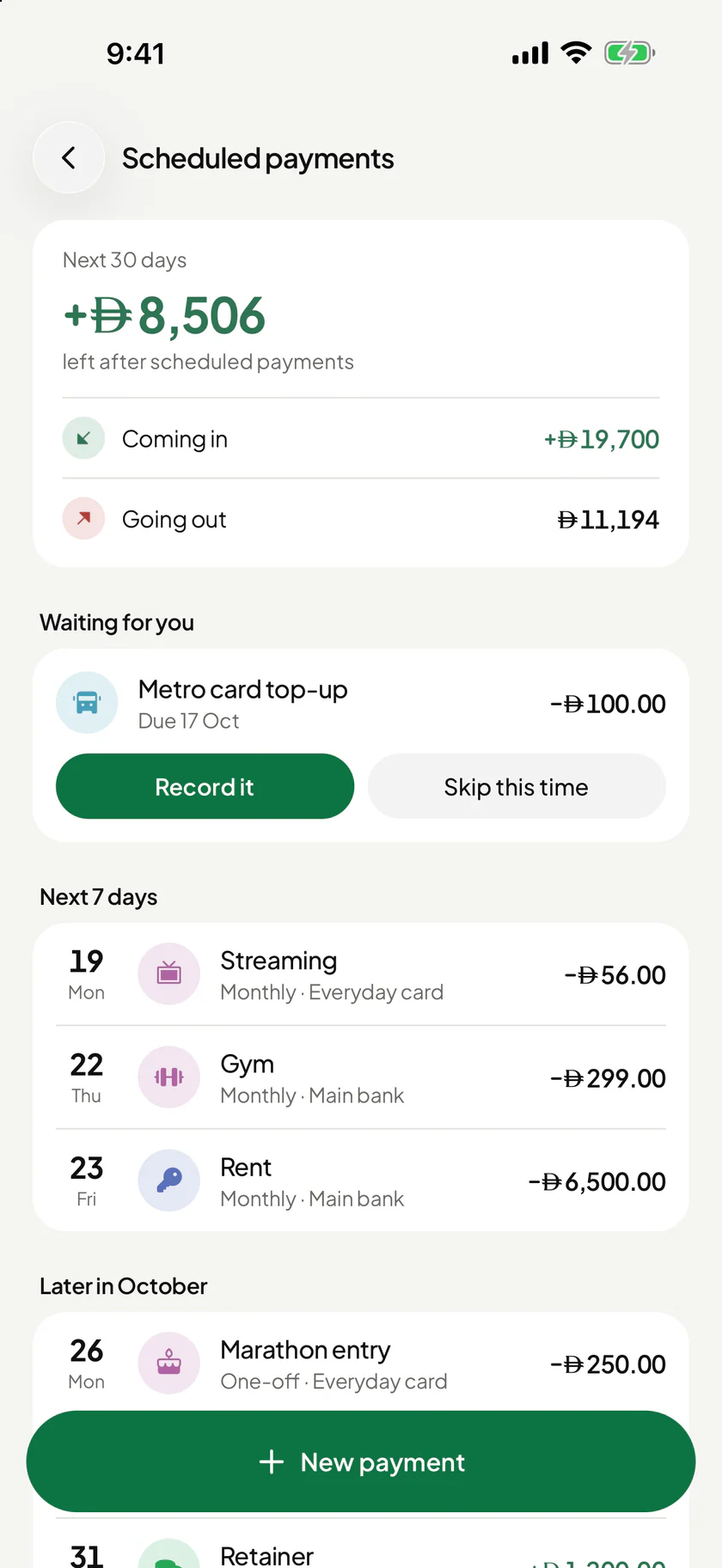
Scheduled paymentsBills that remember 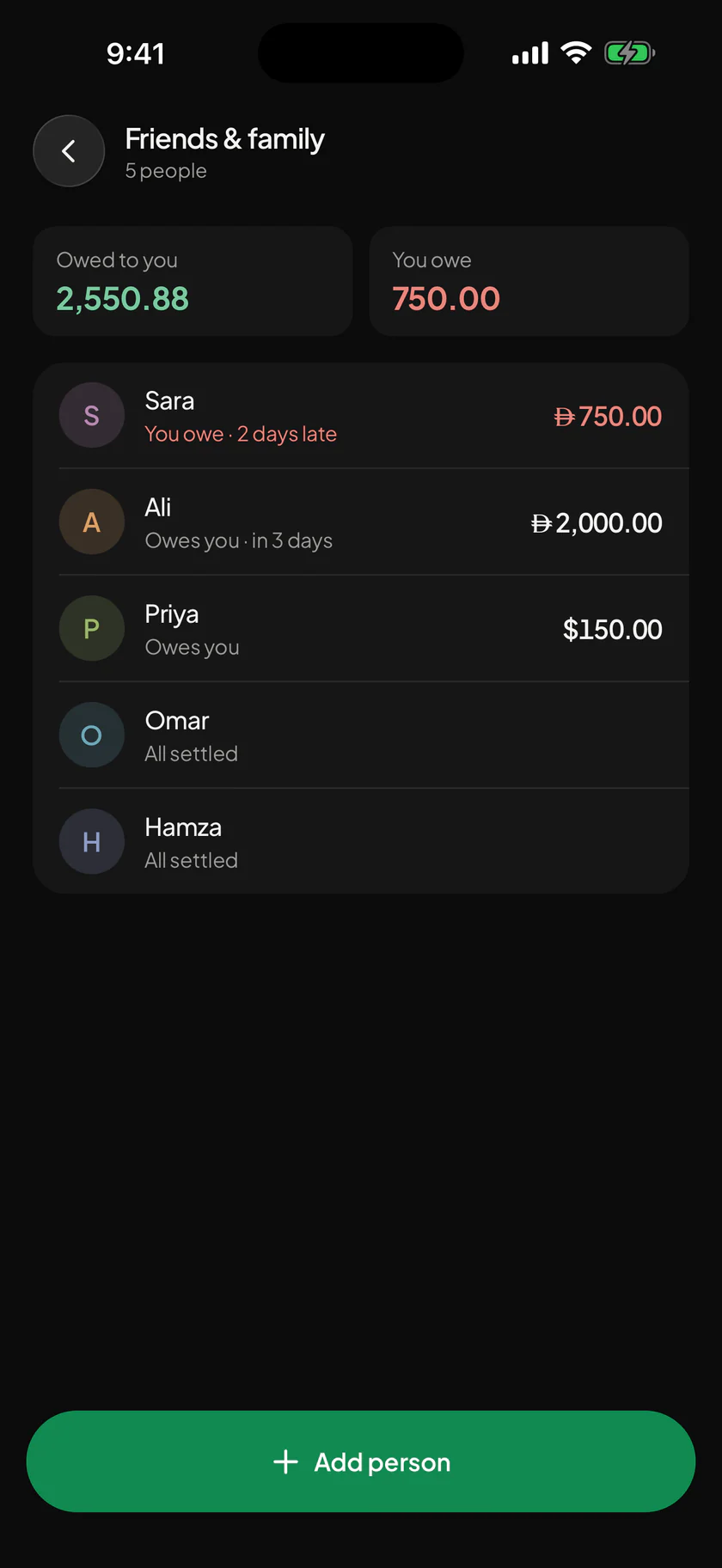
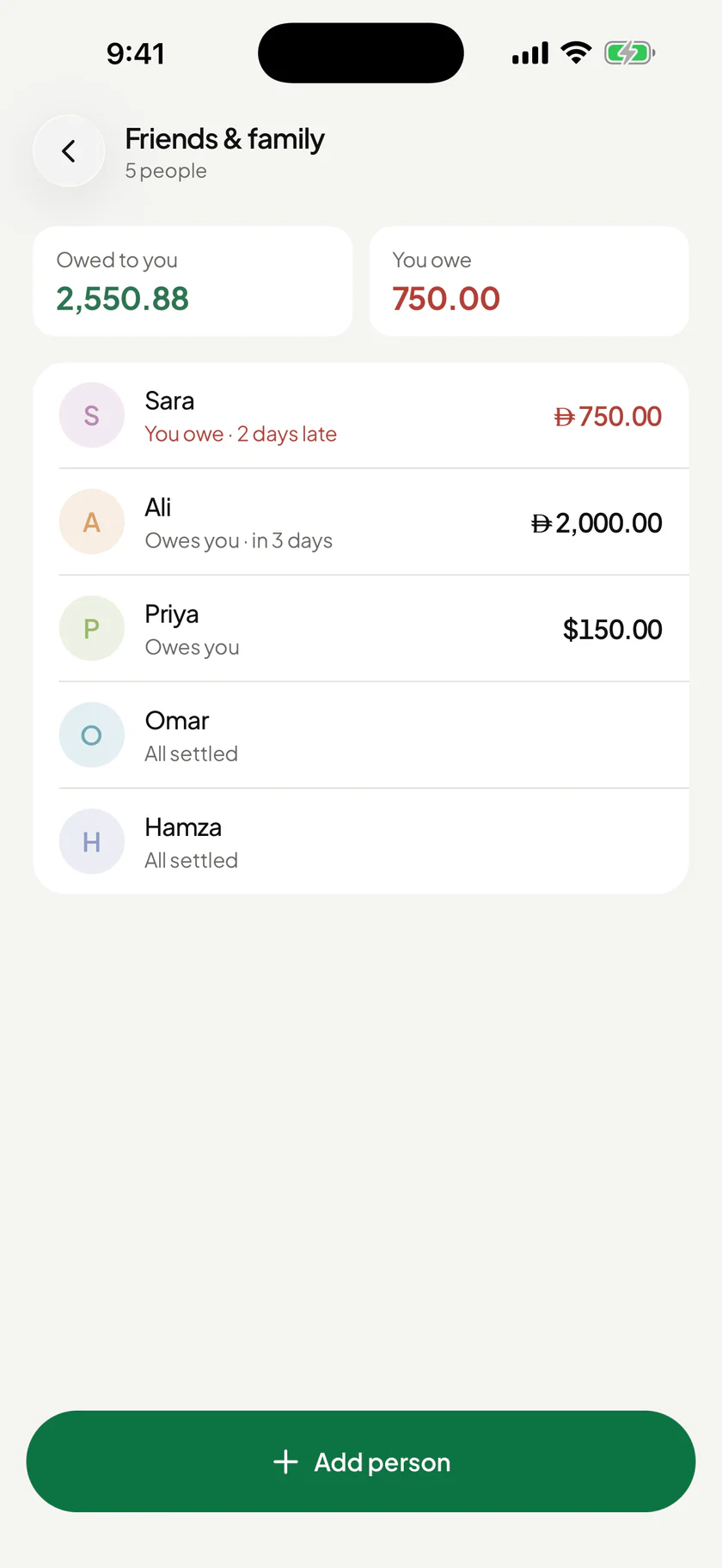
Friends & familyWho owes whom 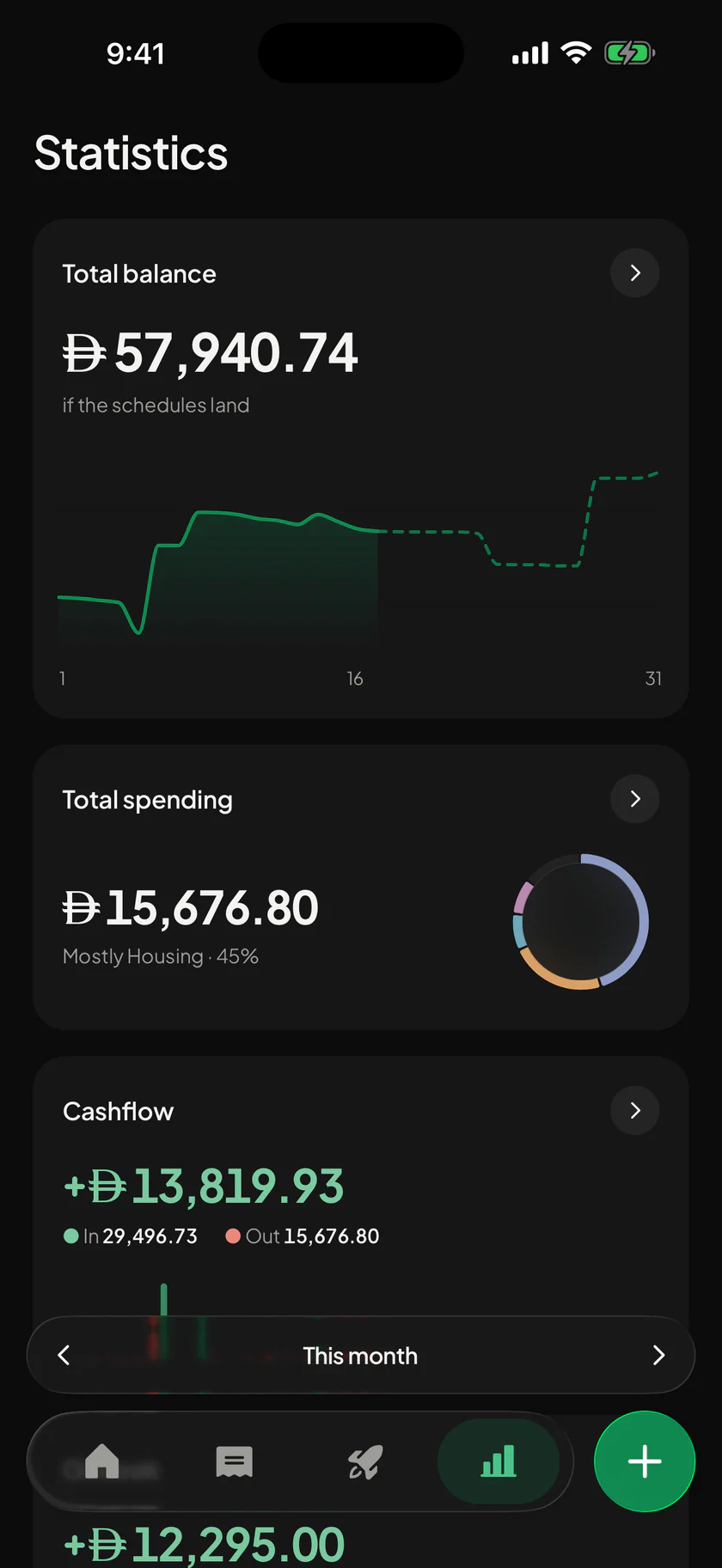
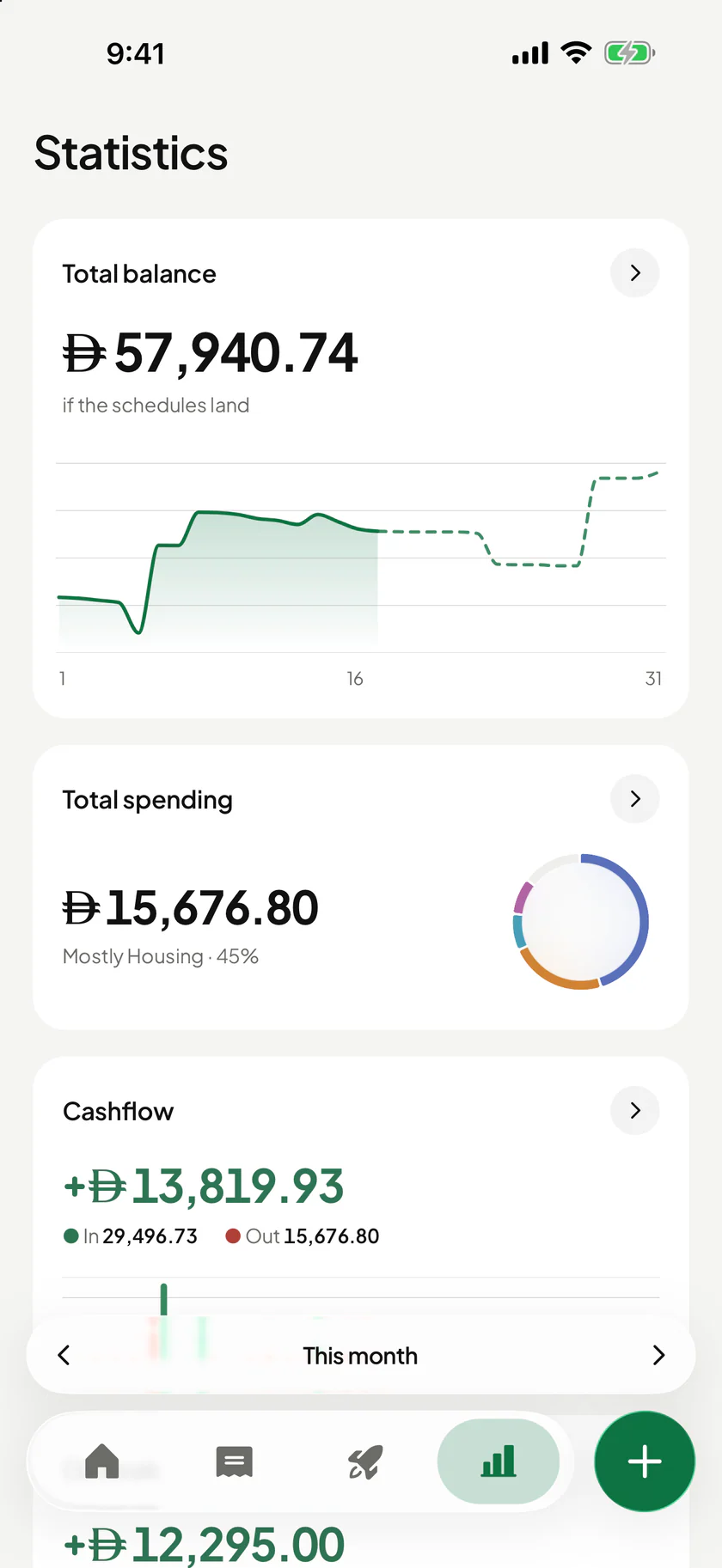
StatisticsWhere it went 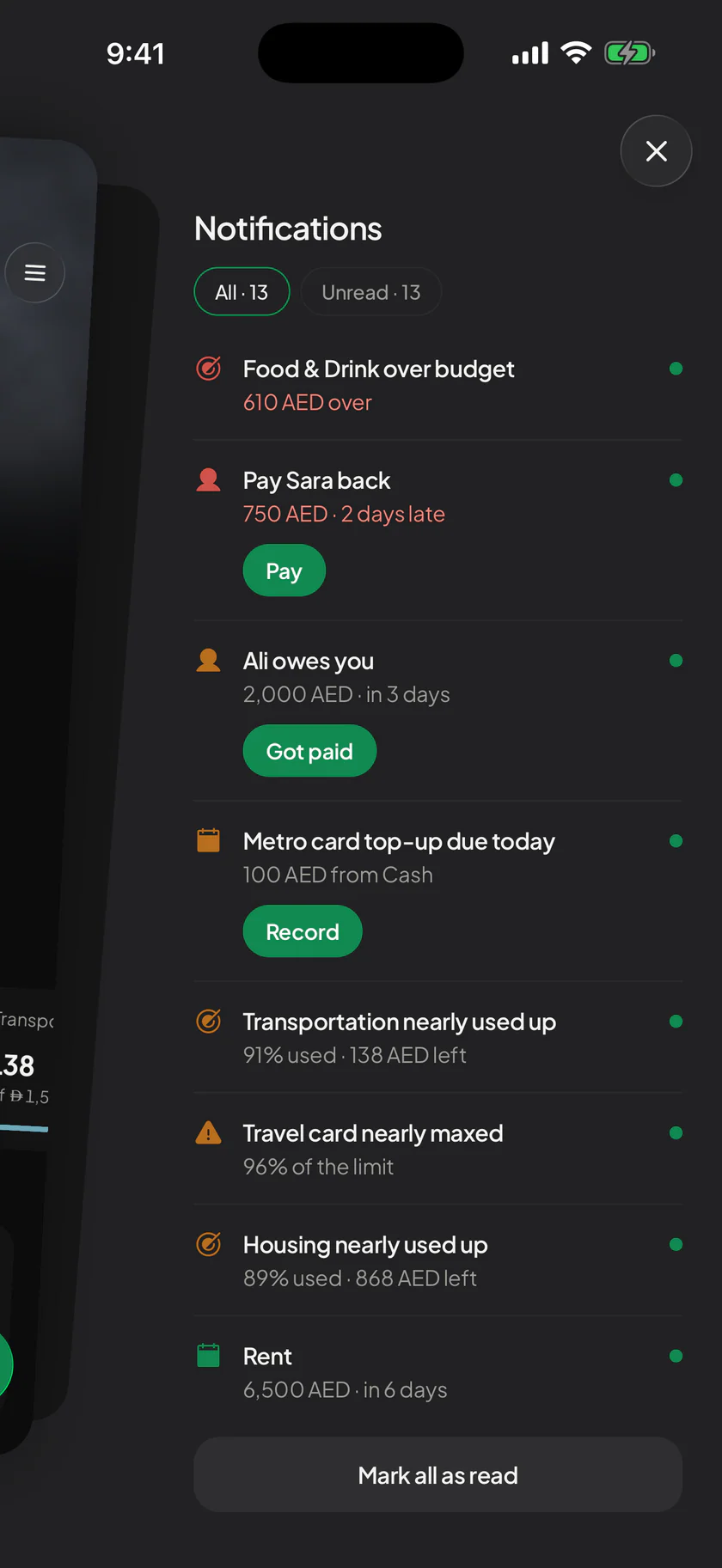
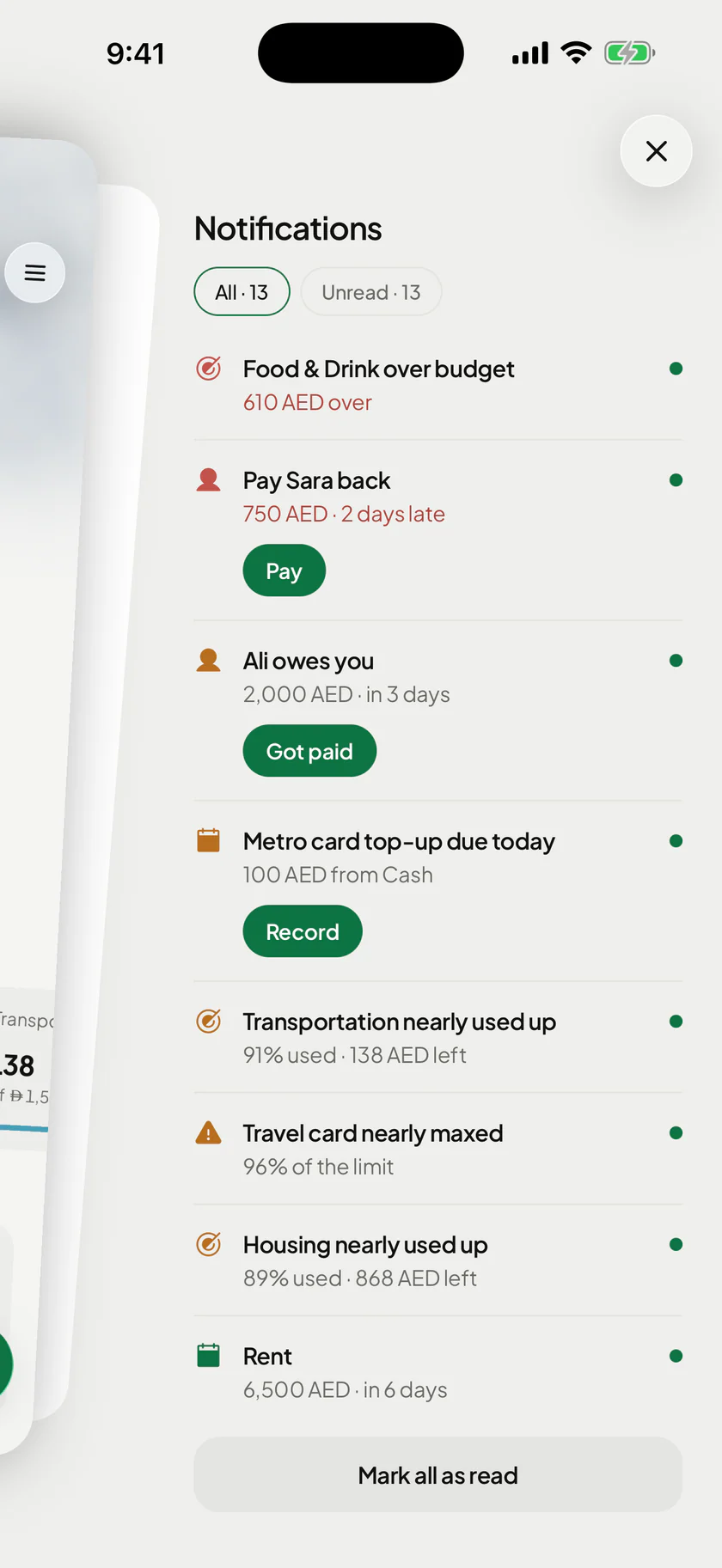
NotificationsWhat needs you 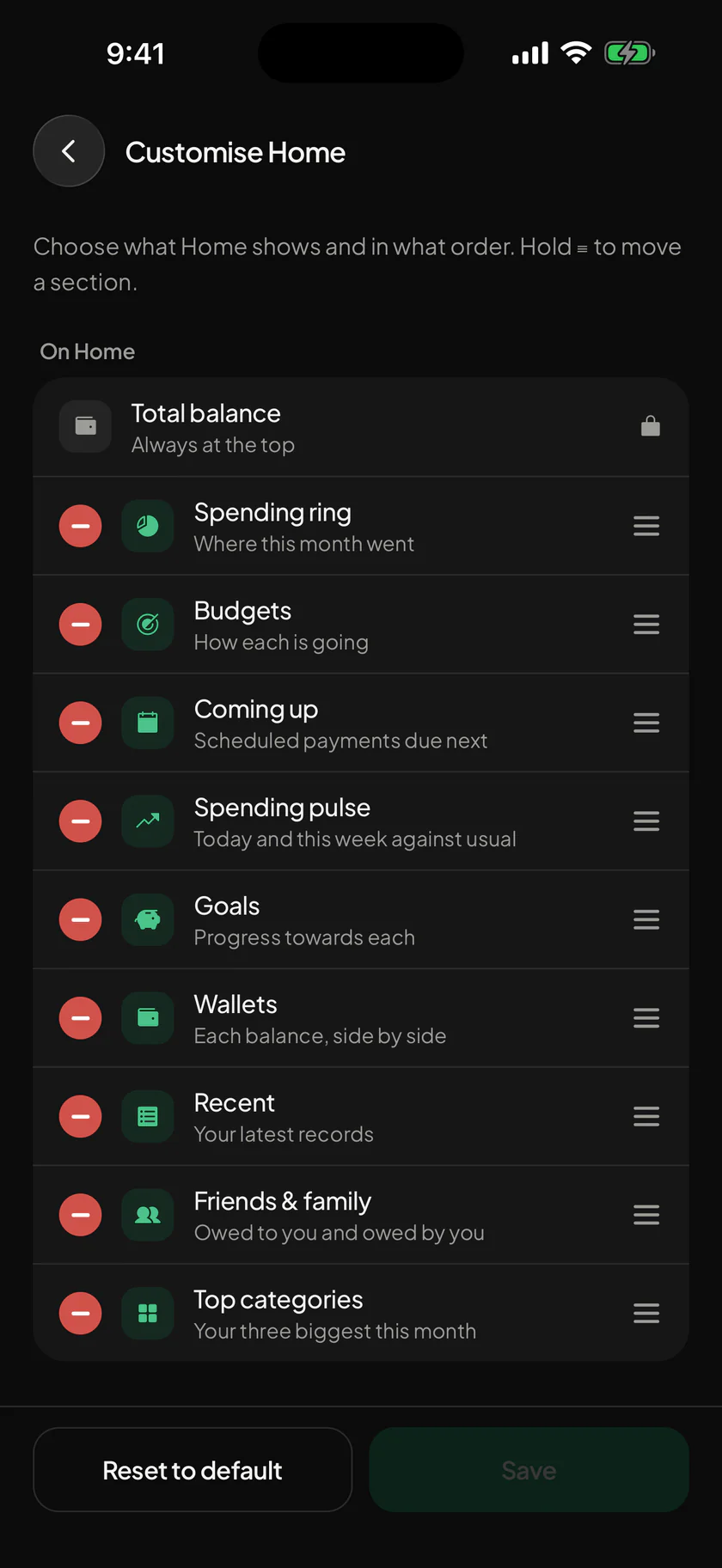
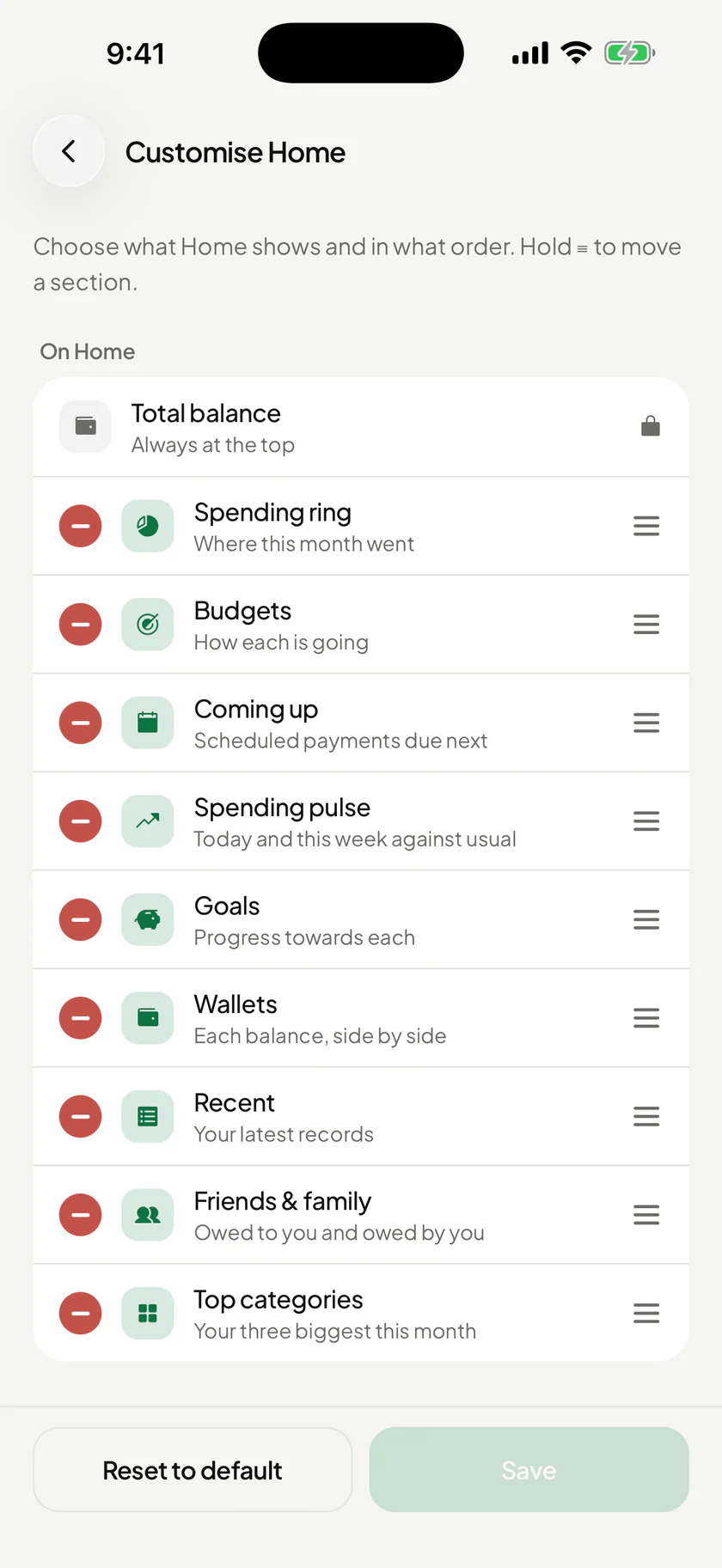
Customise HomeYour order


Bills & schedules
Bills that remember themselves on the day, and never twice.
Set up rent, salary or a subscription once. On the day it records itself, or waits for you to say Record it or Skip this time. The next 30 days are always one screen away, so rent day doesn’t sneak up on you.


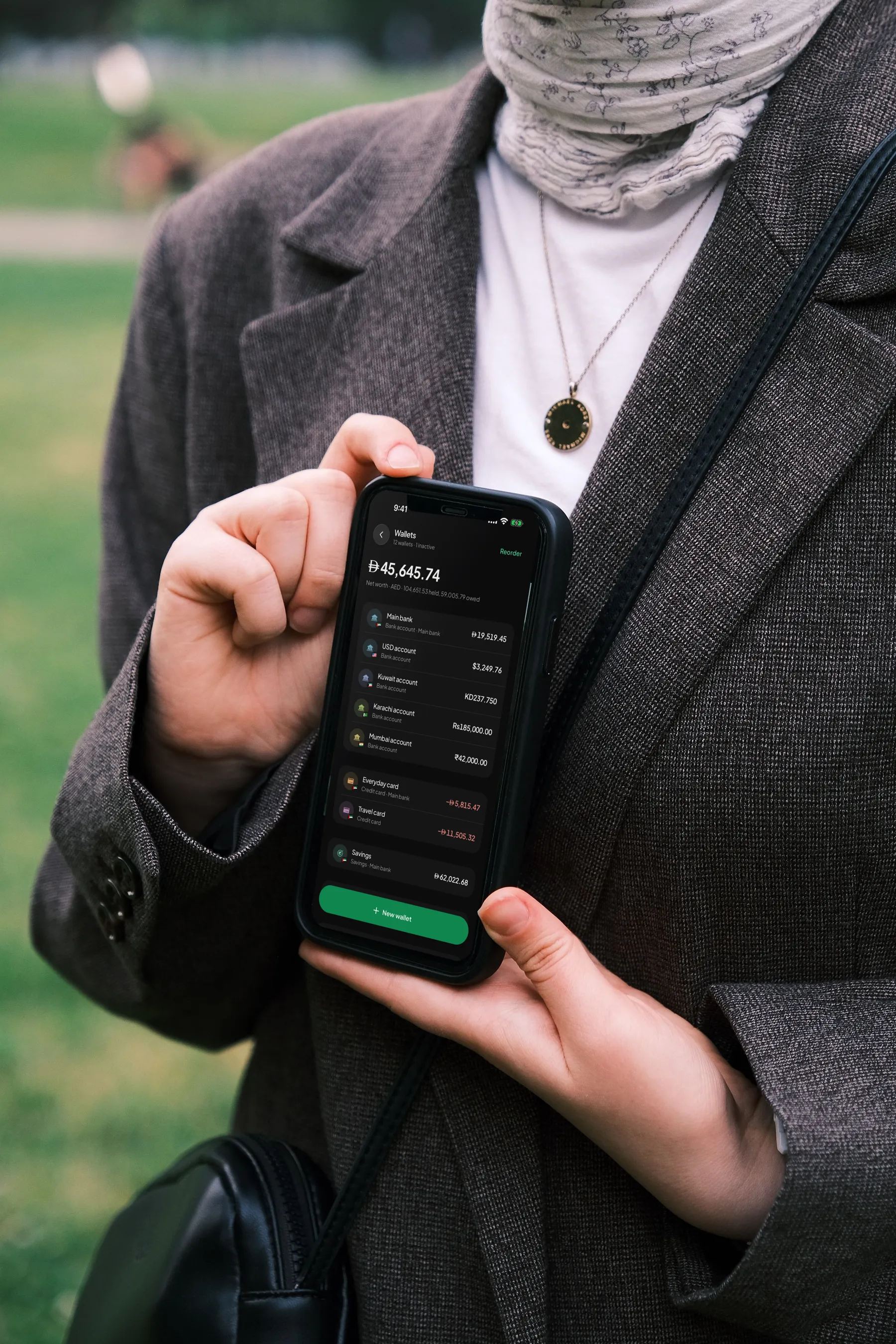
Dirhams, rupees and dollars, each in its own wallet, added up at the rate you got, a fixed peg or the day’s rate. If there is no rate, it says so instead of guessing.

When a budget is nearly used up, you’re told what is left and how much that is a day, while there is still time to do something.


Make it yours
Light or dark, amounts on show or hidden from whoever’s sitting next to you, and Home in the order you choose.
More about Home & widgetsPrivate by design
For your eyes only
- Face ID or a PINLock the app. The PIN stays in your phone’s keychain.
- Hide amountsOne tap, and the person next to you can’t read a thing.
- No bank loginWealthit never asks for your bank password.
- Nothing trackedNo tracking, no advertising, no analytics.
- Delete it any timeFrom your profile. Sixty days later, everything is gone for good.

On your computer, too
Sign in on the web with the same account and your records are there. Add one on your laptop and it shows on your phone within seconds.
Coming soonNot yet. The iPhone app is in testing now and coming soon to the App Store, and Android is planned. The buttons on this page turn into real links the day it’s listed.
Yes. You sign in with Apple, Google or your email. Your records are kept in your account, so they’re the same on every phone you sign in on, and a lost or new phone loses nothing.
No. Wealthit never asks for your bank login. You record what you spend yourself: as a sentence, from a receipt, or with Tap to Record when you pay with Apple Pay.
Yes, in 26 of them. Every wallet keeps its own currency. Totals use a rate you actually got on a transfer, a fixed peg such as the dirham’s to the dollar, or the day’s published rate. Anything none of those can reach is left out of the total and named, and still shown in its own currency.
You. They are kept on your phone and in your account on Wealthit’s server in Frankfurt, in the EU, and nobody reads them. There is no tracking, no advertising and no analytics, and receipt photos never leave your phone.
Small steps.Big wealth
Wealthit is coming soon to iPhone, with Android to follow. Your first record takes a few seconds, and that’s where the habit starts.